

Blog

Step-by-Step Guide: Boost Your Website Conversions Using eBooks
eBooks aren’t just digital versions of your favorite book that you can download to your Kindle. They are a powerful tool that small businesses can use to attract more website traffic and convert more visitors into leads. Plus, creating an ebook is easy. Here are 6 steps to executing a successful lead-generating ebook campaign for your small business’ website.
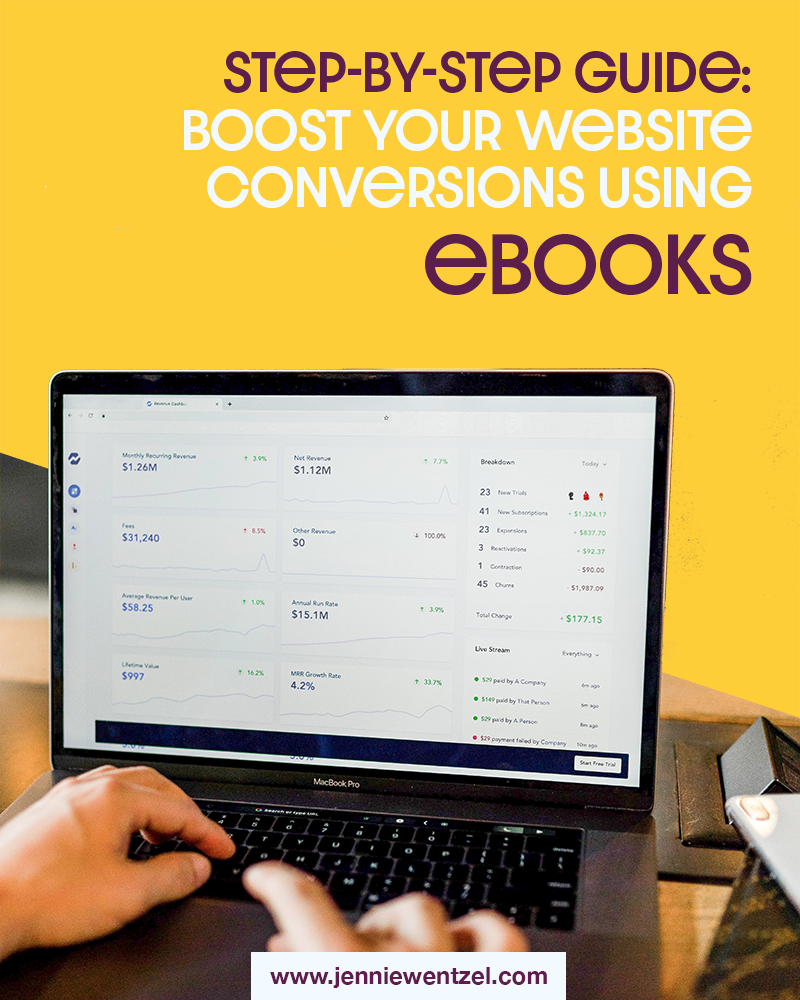
Photo by Austin Distel on Unsplash
Before I became interested in digital marketing, I thought “ebooks” were just digital versions of actual books that I could download to my iPad or Kindle. I never imagined that one day, I would be creating my own ebooks to help businesses convert website visitors into leads.
eBooks are very powerful tools that businesses of all sizes and industries can use to engage with a wider audience and boost website conversion rates. They can help you get new leads and better understand how you can better serve your customer base.
Why eBooks?
You might be thinking that there is no way you would ever have time to create an ebook. In truth, some lead-generating ebook campaigns take a long time to fully execute.
However, think of it this way: once your ebook is finished and live on your website, in most situations, it’s there for good. You can get leads coming from it even months after it’s launched! So although it may be a time investment, you will continue to see benefits from this project long-term. Also, creating an ebook is easier than you might think!
Create Your First Lead-Generating eBook, Step by Step
1. Pick a theme.
Start by asking yourself the same question you should ask before you write any piece of content: What do your customers want to know? You want to pick a topic that you not only feel comfortable writing quite a bit about, but that answers a question or questions that your target audience might ask themselves and would want to know more about.
Keep your goals in mind as well. Your ebook should be written based on the stage of your customer journey that you’re trying to grow. For example, if you’re targeting people that don’t already buy from you and may not know about your services and offerings, you should write about something more general and less about your business. However, if you want to recapture previous customers or keep current customers engaged, you can write about how to use a new feature or product that you offer.


No matter what your end goal is, your ebook should aim to create value and essentially give your readers something “for free”. After all, they will be giving you their email address, so make sure to reward them.
2. Write about it.
It’s time to get writing! When you begin, don’t worry about sounding perfect—just focus on getting the important information down. You can always go back and better organize your thoughts once you have the main ideas out there.
If you’re struggling to get started, I will let you in on a little secret: there is absolutely no rule that says you aren’t allowed to repurpose content that you’ve already written before. If you have a number of blog posts that relate to the subject matter of your ebook, feel free to incorporate them and make any necessary tweaks, updates, and additions.
Make sure the content of your ebook flows nicely and in a way that makes sense. What I like to do is start with an outline, then fill in each section on a separate page. If you follow this order, you can use your basic outline as your ebook’s table of contents.
Once you’re done writing, read your entire ebook. Then read it again. Ask someone else to read it. Sleep on it, then read it one more time. Resolve any spelling or grammatical errors as they come up. You also want to make sure your ebook is effectively conveying the information that you’re looking to share with your readers. Does it create value? Is it something that your readers will be glad they downloaded?
3. Add visuals.
Sometimes, people get really intimidated by walls of text. You want to make sure that your ebook caters to all types of readers (or non-readers). Great ebooks have plenty of visual aids and other images to help break up your text.
If you’re citing a study or statistic in your content, think about adding a graph from that study to give the full picture. If you’re explaining a process, would a visualization of that process help you convey how it all works?
Think about incorporating images in your layout that relate to your subject matter but add to the overall design and look of your pages. I love using the website Unsplash for free stock images. You can also do a search on Pixabay for free photos and illustrations.
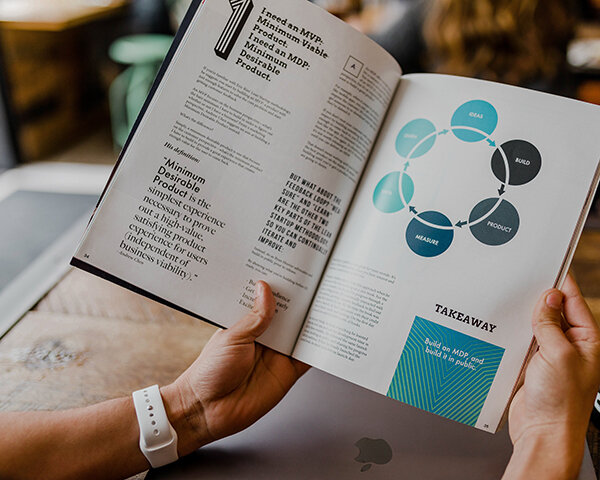
Photo by Austin Distel on Unsplash
4. Design your book.
Make your ebook more visually appealing by adding your content to a template. If you’re not a designer, you can look at websites like Canva for easy-to-use design tools or templates.
Start with your cover page and table of contents. Then comes your main content and any sources used. At the end, don’t forget to add your acknowledgements and a page that briefly talks about your business and what you offer.
This page should include some contact information and a link to your business’ website so that readers know where to go to learn more about you. This is just in case your ebook is sent to others from someone else that was on your website.
5. Add it to your website.
Create a page on your website that includes a preview of your ebook and what readers can expect. If there is no information on exactly what reading this book will help them accomplish, visitors will be less likely to want to hand over their information to download it.
This page should also include a form that asks for an email address or phone number from visitors in order to gain access to your ebook. Be sure to store the submissions somewhere or add the email addresses to your newsletter list (as long as you get permission from the user in the form).
6. Promote it!
All that’s left now is to promote your ebook. Share a link to your ebook’s landing page on your social media accounts and newsletters. Track the number of page views versus submissions to see how well your page converts. Also, be sure to follow up on those leads!
![[FREE Online Resources] Why Your Website from 2016 Needs a Redesign This Year](https://images.squarespace-cdn.com/content/v1/523cf6c4e4b0f6b279e835d3/1579473444633-I41J9LSHYBTBHJ51I8DR/website-design.jpg)
[FREE Online Resources] Why Your Website from 2016 Needs a Redesign This Year
When was the last time your small business performed a website redesign? Experts recommend that businesses redesign their website every 2-3 years to ensure usability, improve their SEO efforts, and better reach their sales goals. Check out some free tools that you can use to gain valuable insights on the health of your website.

Photo by Damian Zaleski on Unsplash
Let me start this off by saying that there is absolutely nothing wrong if you had a friend of a friend who knows something about websites design your first website for your small business in 2016. I’m a firm believer that having some sort of presence online is better than no website at all. However, if you haven’t updated your website since then, you’ll probably find that it will become more and more difficult to reach your business goals as time goes on.
Many of the experts at Ironistic recommend redesigning your website every 2-3 years. Depending on your industry, you may be able to get away with waiting a little longer between website redesigns. Regardless, it’s important to understand how crucial of a role your website plays in helping you grow your business.
What this really comes down to is trust. You want to make sure that potential customers can find the right information about your products or services online and that they feel right off the bat that they can trust your company. A recent study by Nielsen Norman Group showed that there are four main ways that websites can communicate trustworthiness in a brand: design quality, upfront disclosure, comprehensive and current content, and connection to the rest of the web. These are actually the very same principles identified way back in 1999 by Jakob Nielsen.
So if the principles of a trustworthy website have stayed the same over the past 20-plus years, why should businesses update their website every 2-3 years? The short answer is that the internet, search engines, and even consumer behaviors are constantly changing.
If you are wondering if you need a website update, here are some important questions to ask yourself (along with some free tools to help):
Is your website responsive on mobile?
Statistica reported that in 2018, 52.5% of all website traffic was generated through mobile phones. Take a moment to visit your website in the web browser on your phone. Is it easy to read, use, and navigate? Does it look the way you’d like it to? Chances are, if you haven’t updated your website in the past few years, it may not look very user-friendly on a newer device like an iPhone X.


Check out Responsinator.com to view your website on a number of different devices.
Having a website that is responsive—meaning it automatically optimizes based on the device it’s being used on—is crucial in 2020. Make sure your website users have the same experience on phones and tablets that they would have on their desktop computer.
Free tool: Check out Responsinator to see what your website looks like on different devices. From the newest iPhone to a tablet in landscape orientation, Responsinator will show you all of the different ways that online users may view your website.
Does your website load quickly?
Going along the same vein of usability, it’s important to keep a close eye on the page load times of your website. Google reports that 53% of mobile users will leave a page that takes longer than three seconds to load.
Websites that were built even three to four years ago may not use the best or most up-to-date programming language that prioritizes page speed. Having a slow website can also affect your SEO, or how high your website ranks on Google’s search results pages. Make sure to prioritize usability by keeping your load times low.
Free tool: Google’s Page Speed Tool provides a free analysis of your website page load times, along with some recommendations to better optimize your website speed.

What do your competitors’ websites look like?
When was the last time you visited a competitor’s website? If you were to compare your website against one of your competitors’, would you say that yours looks better and is easier to navigate? If not, potential customers on the web may feel the same way.
Think of it this way: your website is a storefront for your business that is open 24/7, and your potential customers are constantly looking for a solution to a problem that you can solve. They will either visit your website or those of your competitors. Make sure to keep your online “storefront” as updated and professional as possible, the same way you would maintain your physical storefront to appeal to customers.
Free Tool: Sign up for a free trial account on SimilarWeb, where you can compare your website traffic to that of your competitors. If you see that they are getting more traffic on their website, they’re probably also gaining more market share through their online efforts. If that’s the case, it’s time to get to work!

Does your website properly reflect your brand?
This one is a bit trickier to quantify with an online tool, but ask yourself this: does your storefront give off the same vibe that your website does? Again, your website is an online storefront that is open to customers 24/7. You want to make sure that it reflects your brand the same way your physical storefront does. For some customers, your website is their very first interaction with your brand. Is it giving the best first impression?
In inbound marketing, your website essentially functions as the central location for your digital marketing efforts. It’s crucial for this platform of yours to act as not only a hub of information for your potential customers, but also an accurate representation of your brand.
Free tool: The best free tool to analyze your website’s branding is another set of eyes! I am offering a Free Website Analysis to all of my subscribers that sign up. This analysis will help you learn how to
Improve your page load speed
Optimize your website design for mobile devices
Increase your website traffic
Use your website to help you reach your marketing and sales goals
If the thought of a full website design makes you nervous or overwhelmed, I’m here to ease that burden. I’ve helped a number of small businesses increase their customer base and visibility online by creating a simple and effective website for them. Sign up for my Free Website Analysis to get started.
Hi! I’m Jennie.
Thank you for visiting my blog! I write about marketing tips for small businesses and how to succeed as a female professional. I write from experience about the things that I love.